Fonts
OmarOS uses JetBrainsMono Nerd Font as both the terminal and system font by default.
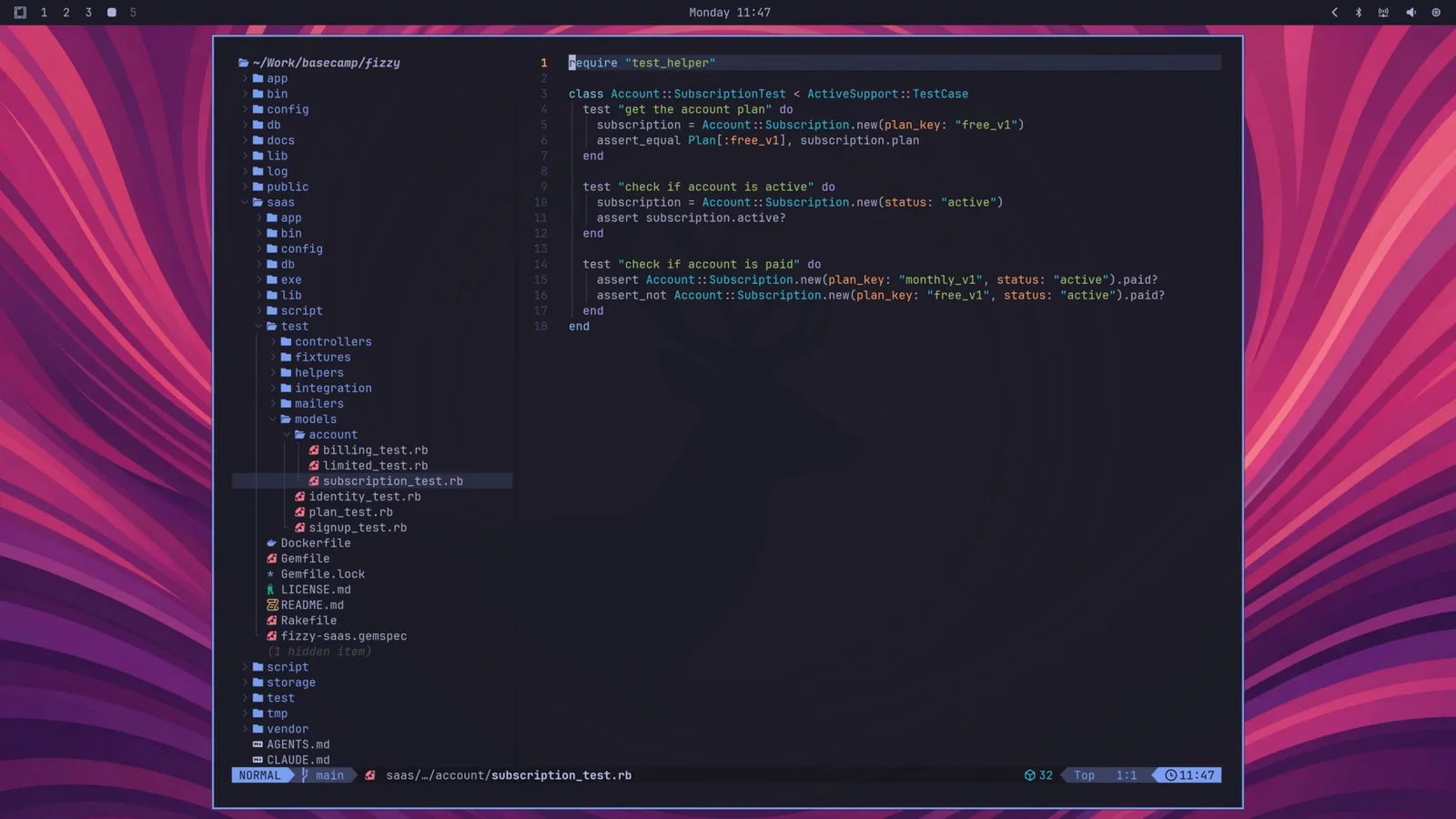
You can change this through the Style > Font menu in the OmarOS menu (Super + Space). That sets the monospace font everywhere: the terminal, the bar, and anything else that asks for it.
You can install other popular programming fonts via Install > Style > Font in the OmarOS menu: Cascadia Mono, Meslo LG Mono, Fira Code, Victor Code, Bitstream Vera Mono, and Iosevka are all one click away, in their Nerd Font versions so the glyphs in the bar and terminal keep working. After installing one, pick it under Style > Font.
Chinese, Japanese, and Korean
Chinese, Japanese, and Korean share many characters but draw some of them differently, so the same character looks right to one reader and foreign to another. Picking one of these languages under Setup > Language, or its input method, sets the matching forms. To choose them yourself, use Style > Font > Chinese, Japanese, Korean, or omaros font cjk jp, kr, sc, tc (Taiwan), or hk (Hong Kong) from a terminal; omaros font cjk default goes back to the system's choice, which is Japanese forms. Text a web page or document marks with its own language, and the whole desktop while it is in one of these languages, keeps that language's forms.